stripe
Stripe payment notifications in Slack — with customer context
Every Stripe subscription, invoice, and failed payment lands in your channel with the customer's company and contact attached — plus decline reasons, retry schedules, trial conversions, and upgrade callouts straight from the event. Setup takes a couple of minutes: add a webhook endpoint in the Stripe Dashboard and paste the signing secret into Notipus.
Signature-verified webhooks · Setup in about two minutes · Free plan available

⬆️ $199.00 from Initech
🎉 Upgraded from $99/mo!
Plan: Business (was Pro)
ID: sub_bolton_789
what-lands-in-slack
Every Stripe event, translated
Notipus subscribes to the Stripe events that matter for revenue and turns each one into a readable alert — no raw webhook JSON.
| Stripe event | What your team sees |
|---|---|
customer.subscription.created | New subscription, with plan, amount, and billing interval |
customer.subscription.updated | Upgrade or downgrade, including the previous plan and price |
customer.subscription.deleted | Cancellation, with plan and customer details so you can reach out |
customer.subscription.trial_will_end | Trial-ending heads-up before the customer converts or churns |
invoice.payment_succeeded / invoice.paid | Payment received — the first payment for a subscription and trial conversions are called out |
invoice.payment_failed | Failed payment with the decline reason, retry count, and next retry date |
invoice.payment_action_required | 3-D Secure action needed, so you can nudge the customer |
checkout.session.completed | Checkout completed, with what was bought |
Every alert is enriched with company background, contact name and role, and email domain badges — and duplicate events are consolidated into one message.
setup
Connected in three steps
Sign in with Slack
One click with your Slack account. Pick the channel your alerts should land in.
Add the webhook in Stripe
Create a webhook endpoint in the Stripe Dashboard pointing at your Notipus URL, then paste the signing secret back into Notipus. If someone else manages Stripe, Notipus can email them the instructions.
Get your first alert
The next Stripe event posts to your channel, enriched with company background and contact details.
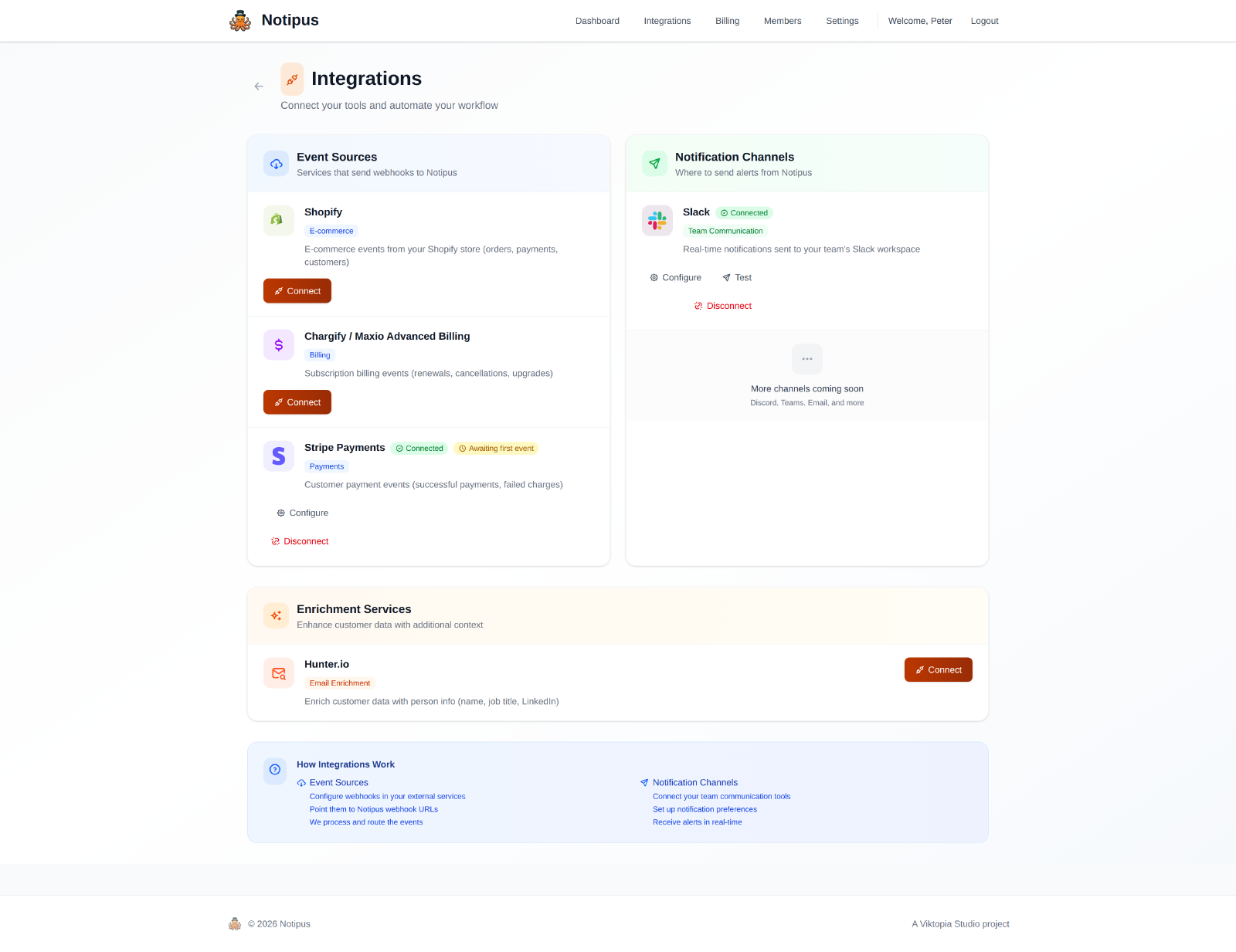
The integrations screen in Notipus — event sources on the left, Slack on the right.
faq
Common questions
- How is this different from Stripe’s official Slack app?
- Stripe’s app posts the event. Notipus posts the event plus who the customer is: company background, contact name and role, email domain badges, and callouts for trial conversions and plan changes with the previous plan. Related events are also consolidated into one message instead of several.
- Do I need to configure webhooks in the Stripe dashboard?
- Yes, once: create a webhook endpoint pointing at your Notipus URL, select the events, and paste the signing secret into Notipus. Every delivery is then validated with Stripe’s official signature scheme.
- Which Stripe events are supported?
- Subscription lifecycle (created, updated, deleted, trial ending), invoice payments (succeeded, failed, action required), and completed checkouts — see the table above. Upgrades, downgrades, first subscription payments, and trial conversions are detected automatically.
- Does it handle currencies other than USD?
- Yes. Amounts are converted and formatted per currency’s real minor unit — including zero-decimal currencies like JPY and KRW and three-decimal currencies like BHD and KWD — so ¥5,000 never shows up as ¥50.00.
- What does it cost?
- There’s a free plan (20 events/month), and paid plans from $29/month with a 14-day trial. See pricing.
If you could go ahead and connect Stripe, that'd be great.
Free plan available. Paid plans include a 14-day trial.
Connect Stripe